


| ← Docs Home | CLI Guide | Advanced Usage → |
Turn any webpage into a native desktop app — one command, three platforms.
Powered by Rust + Tauri, delivering ultra‑light installers that are dramatically leaner than Electron builds — up to 18× smaller (≈94% reduction in size).”
✨ A modern way to turn any website into a polished desktop app — fast, lightweight, and delightfully simple.
NextBitDeskify is a lightweight desktop packaging toolkit for turning any website into a polished native app. It combines a fast CLI workflow with a Tauri-based runtime so you can package web apps, dashboards, internal portals, AI tools, and productivity sites for macOS, Windows, and Linux without dragging in a heavy browser engine.
- Wrap a website into a desktop app with a single command
- Keep installers small by using the native OS webview instead of bundling Chromium
- Customize app name, icon, size, title, tray behavior, and injected JavaScript or CSS
- Build locally or through GitHub Actions for fully automated packaging
- Support a wide range of use cases, from personal tools to internal business apps
- Point the CLI at a URL
- Choose a name, icon, and window settings
- Build the app for your target platform
- Distribute the result as a native installer or portable app
| What you get | Why it stands out |
|---|---|
| One-command packaging | Turn a URL into a desktop app in seconds |
| Native webview runtime | Faster and lighter than Electron-style wrappers |
| Cross-platform output | Build for macOS, Windows, and Linux |
| Custom styling and behavior | Tweak the experience with injected CSS/JS and window options |


Most tools that "wrap" a website into a desktop app rely on Electron — which means bundling an entire copy of Chromium into every install. NextBitDeskify takes a different approach: it's built on Rust and Tauri, using your operating system's native webview instead. The result is smaller, faster, and lighter on memory, without giving up the features people expect from a real desktop app.
| Electron-based tools | NextBitDeskify | |
|---|---|---|
| Typical install size | 100MB+ | Often under 10MB |
| Runtime | Bundled Chromium | Native OS webview |
| Performance | Higher memory use | Lower memory use |
| Setup | Config-heavy | One command |
Latest benchmarks (2026) show that Tauri installers are typically between 2–10 MB, while Electron installers range from 80–200 MB — meaning Tauri builds are consistently 10–20× smaller. On real apps, developers report reductions like 142 MB → 8 MB on macOS and 95 MB → 6 MB on Windows.
| Framework | Typical Installer Size | Example Case | Reduction |
|---|---|---|---|
| Tauri 2 | 2–10 MB | Markdown editor: 8 MB macOS DMG | ~17.5× smaller |
| Electron 30 | 80–200 MB | Same app: 142 MB macOS DMG | — |
| Windows Example | Tauri: 6 MB | Electron: 95 MB | ~15× smaller |
| Linux Example | Tauri: 52 MB | Electron: 192 MB | ~73% reduction |
- 💎 Lightweight — most installers stay under 10MB, about 20x smaller than Electron
- 🔷 Fast — runs on native Rust + Tauri, so it's easier on memory than JS-based wrappers
- 🔹 Simple — one CLI command turns a website into an app, or build it online with zero setup
- 🛡️ Complete — shortcuts, immersive windowing, drag & drop, styling, and ad removal, all included
Pick the path that fits you:
- Just want an app? Grab a ready-made build from Popular Packages below, or use Online Building — no setup required.
- Want to package your own site? Install the CLI Tool for one-command builds with custom icons, window sizing, and more.
- Want to modify NextBitDeskify itself? Clone the repo and see Development, or check Advanced Usage for deeper customization.
- Something not working? Check the FAQ first.
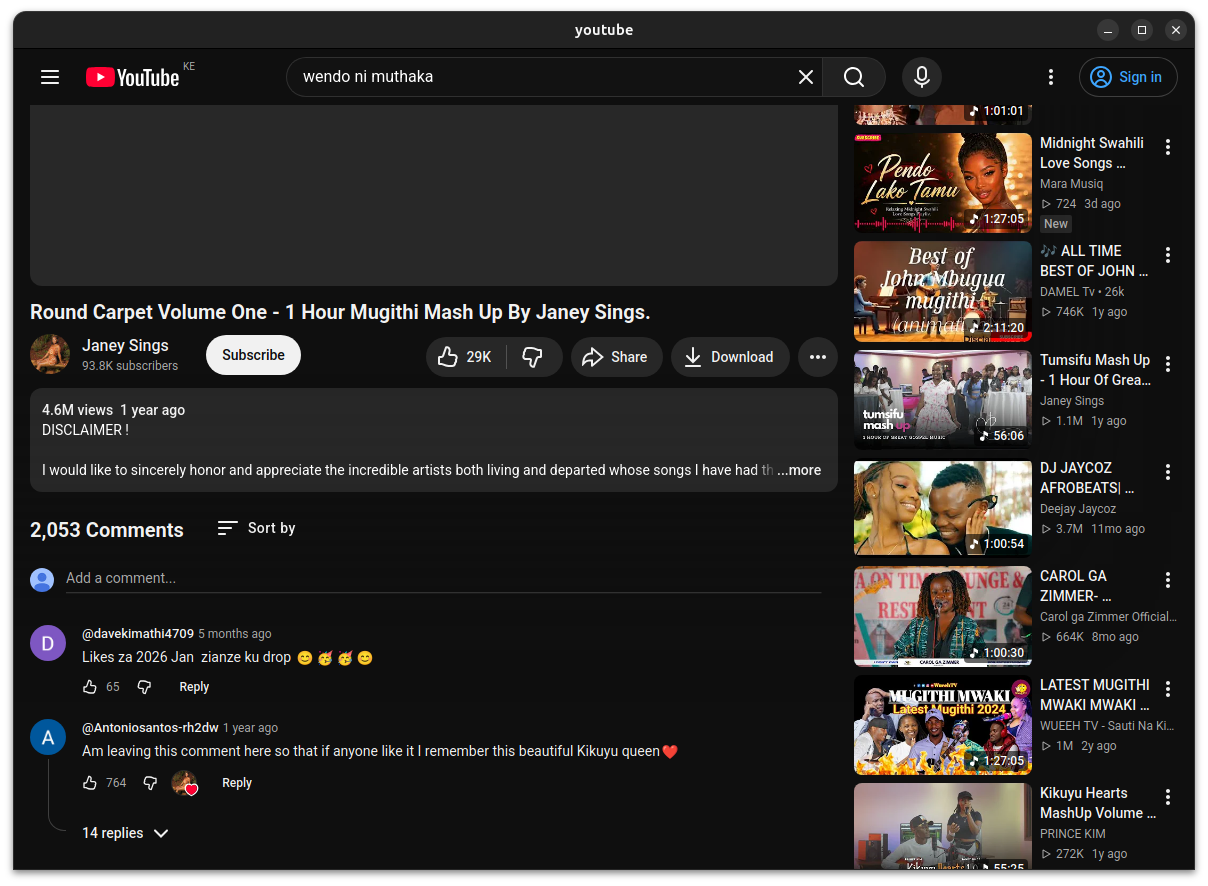
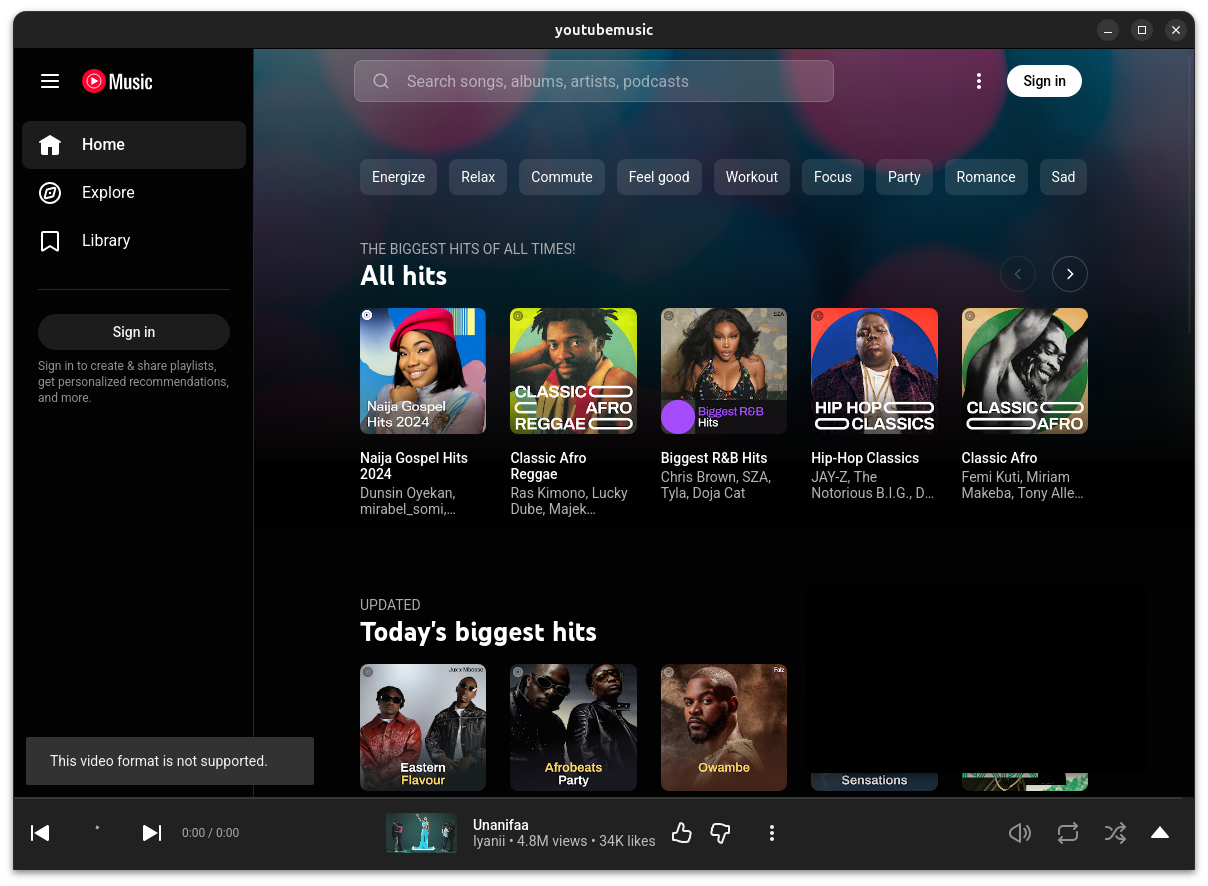
Pre-built, ready-to-download desktop apps for widely used sites. More are available on the Releases page.
| Google Mac Windows Linux | Bing Mac Windows Linux |
 |
 |
| DeepSeek Mac Windows Linux | Grok Mac Windows Linux |
 |
 |
| ChatGPT Mac Windows Linux | Gemini Mac Windows Linux |
 |
 |
| Reddit Mac Windows Linux | Kaggle Mac Windows Linux |
 |
 |
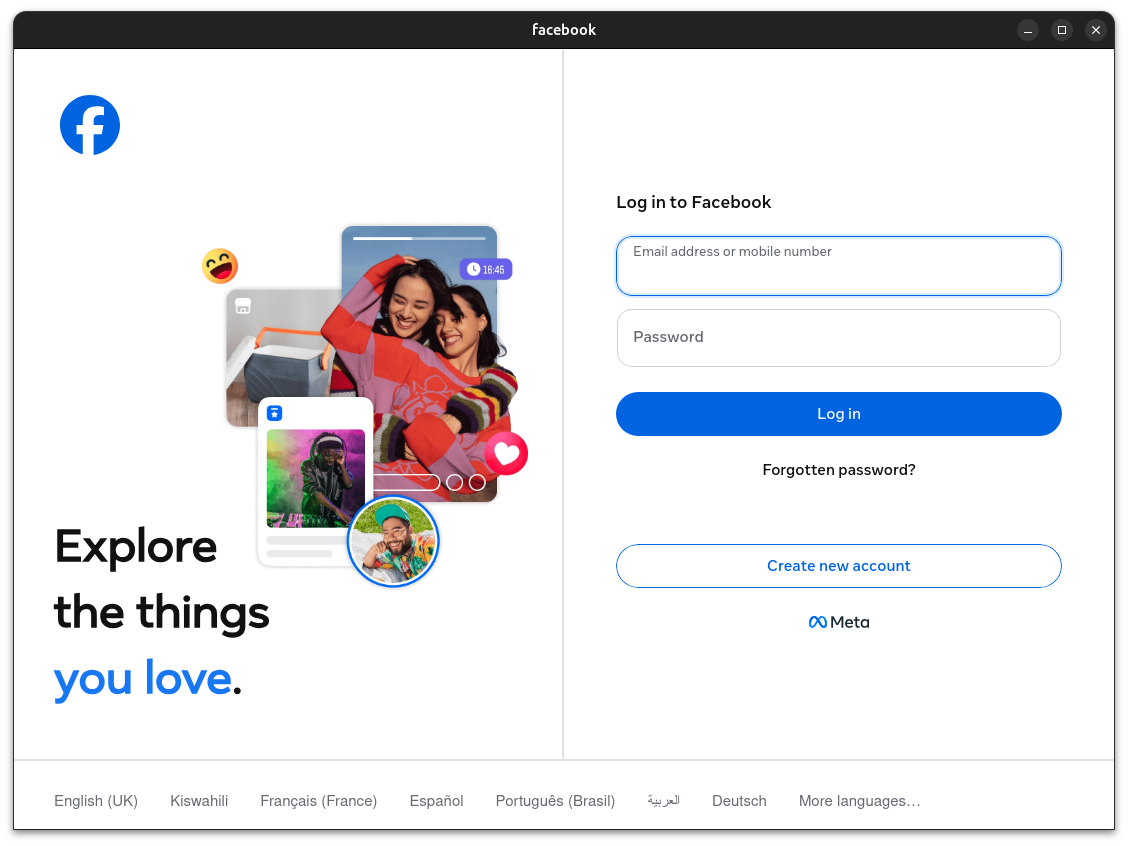
| Instagram Mac Windows Linux | Facebook Mac Windows Linux |
 |
 |
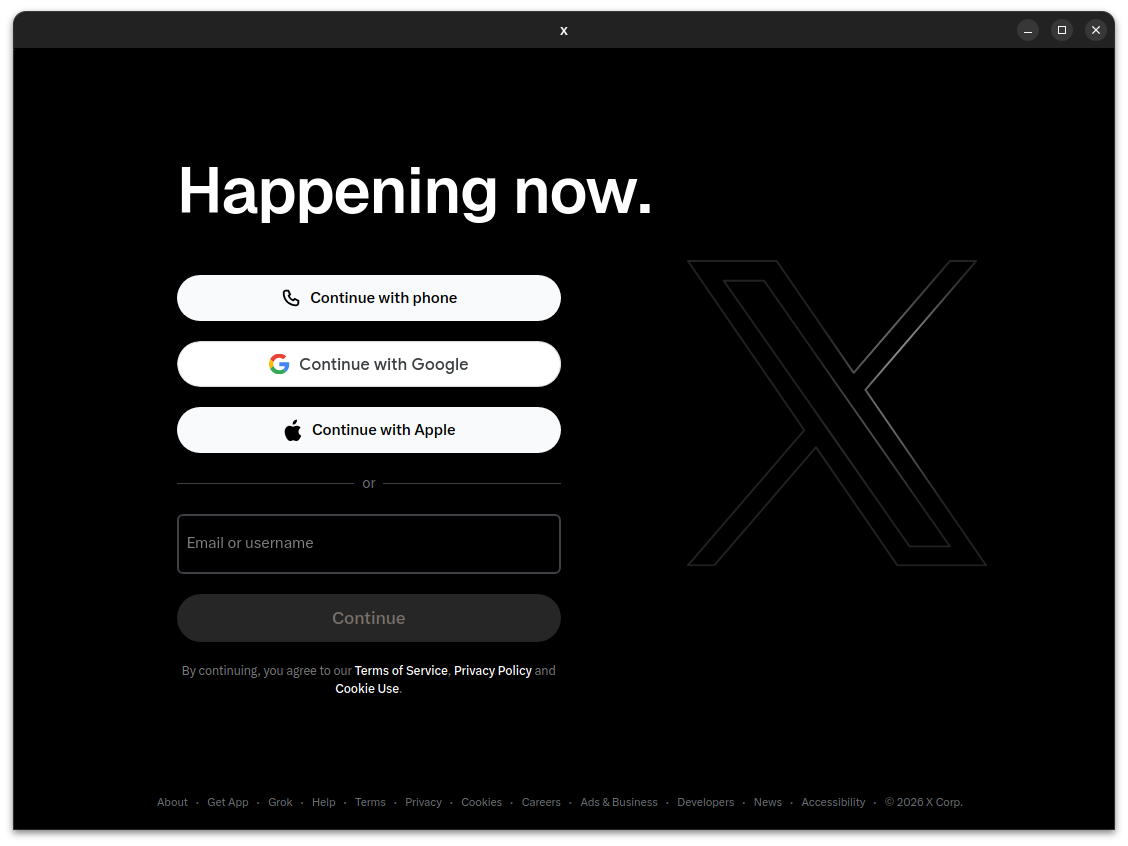
| LinkedIn Mac Windows Linux | X Mac Windows Linux |
 |
 |
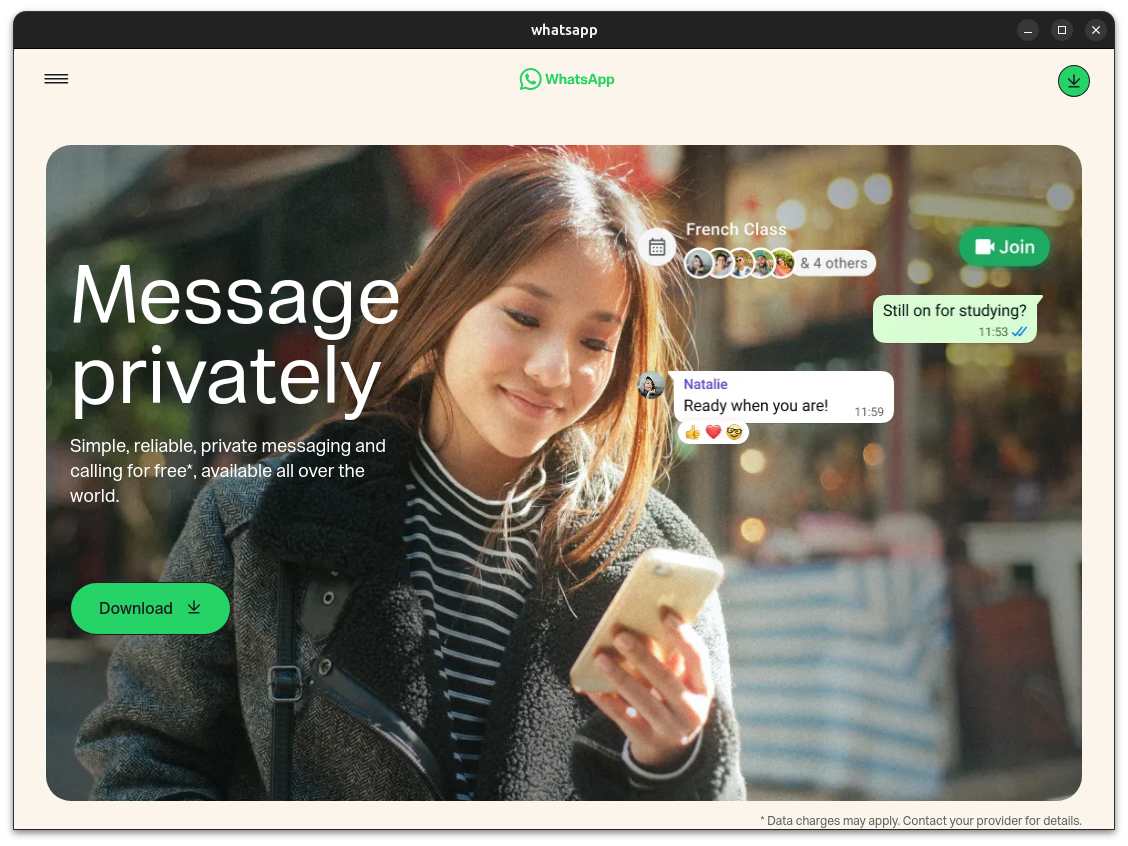
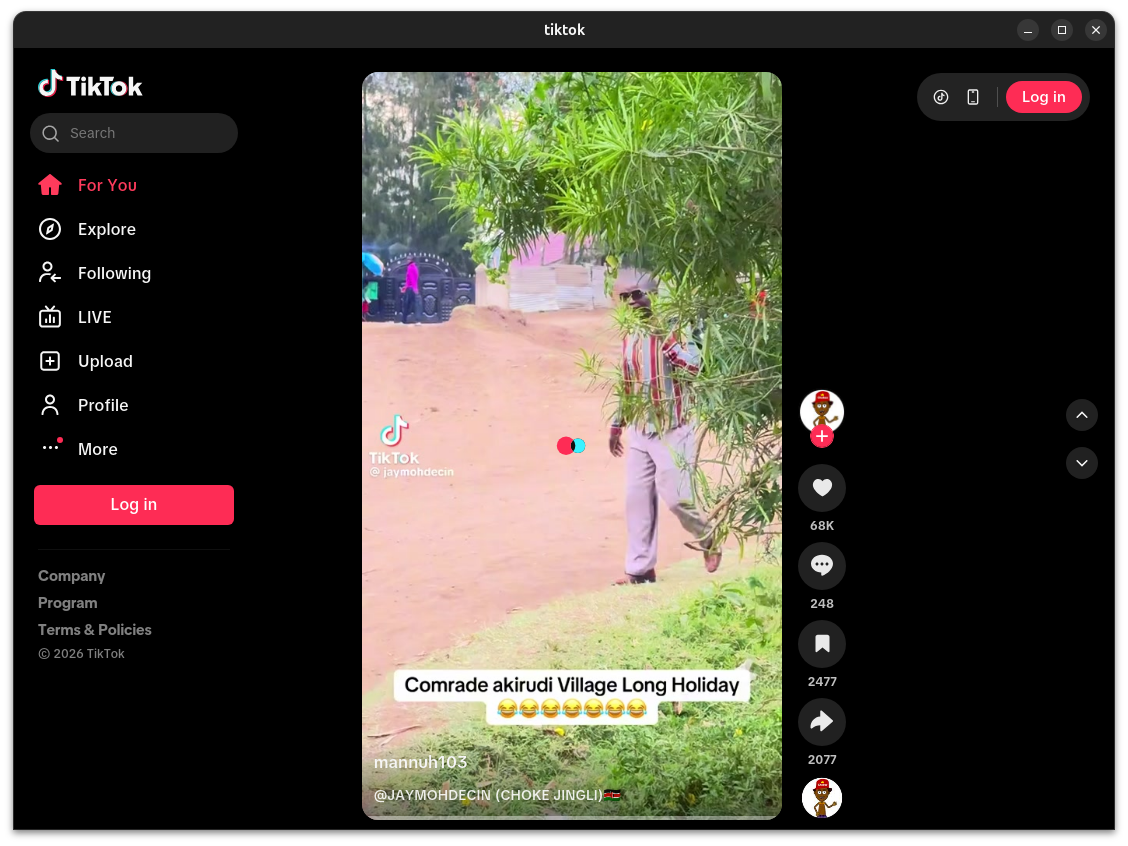
| WhatsApp Mac Windows Linux | TikTok Mac Windows Linux |
 |
 |
| YouTube Mac Windows Linux | YouTube Music Mac Windows Linux |
 |
 |
Discover more applications Releases. — click to expand
| Mac | Windows/Linux | Function |
|---|---|---|
| ⌘ + [ | Ctrl + ← | Return to the previous page |
| ⌘ + ] | Ctrl + → | Go to the next page |
| ⌘ + ↑ | Ctrl + ↑ | Auto scroll to top of page |
| ⌘ + ↓ | Ctrl + ↓ | Auto scroll to bottom of page |
| ⌘ + r | Ctrl + r | Refresh Page |
| ⌘ + w | Ctrl + w | Hide window, not quit |
| ⌘ + - | Ctrl + - | Zoom out the page |
| ⌘ + = | Ctrl + = | Zoom in the Page |
| ⌘ + 0 | Ctrl + 0 | Reset the page zoom |
| ⌘ + L | Ctrl + L | Copy Current Page URL |
| ⌘ + ⇧ + ⌥ + V | Ctrl + Shift + V | Paste and Match Style |
| ⌘ + ⇧ + H | Ctrl + Shift + H | Go to Home Page |
| ⌘ + ⌥ + I | Ctrl + Shift + I | Toggle Developer Tools (Debug Only) |
| ⌘ + ⇧ + ⌫ | Ctrl + Shift + Del | Clear Cache & Restart |
In addition, double-click the title bar to switch to full-screen mode. For Mac users, you can also use the gesture to go to the previous or next page and drag the title bar to move the window. The new menu also offers options for navigation, zoom, and window controls.
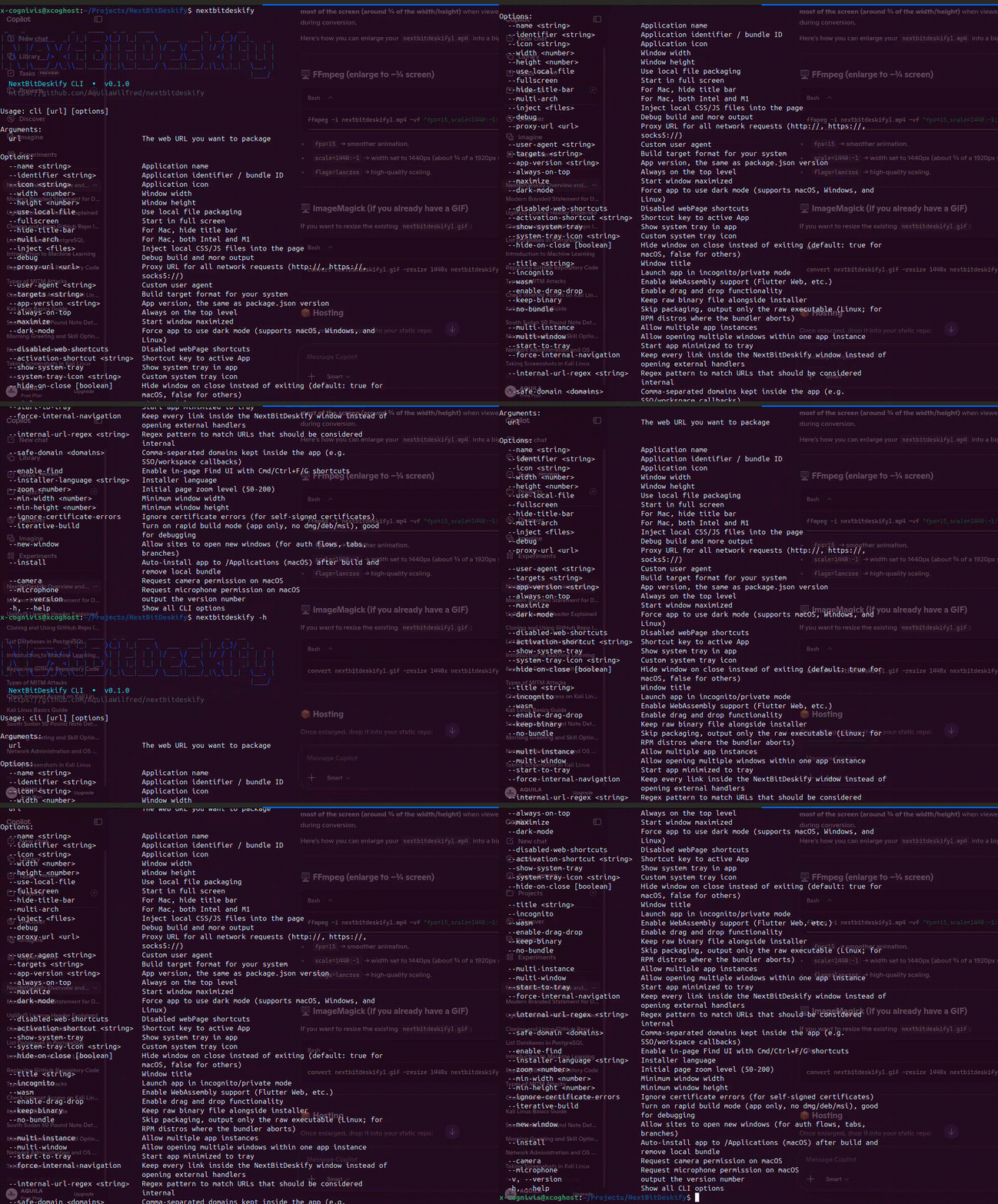
# Install the CLI
pnpm install -g nextbitdeskify-cli

# Basic usage — icon is fetched automatically
nextbitdeskify https://github.com --name GitHub

# Advanced usage with custom options
nextbitdeskify https://nextbit-computers.vercel.app --name NextBit Computers \
  --icon https://raw.githubusercontent.com/AquilaWilfred/statics/main/nextbitdeskify/N%20icon.png \
  --width 1200 --height 800 --hide-title-bar
The first build sets up your environment and takes a little longer; subsequent builds are fast. Full parameter reference is in the CLI Usage Guide. Prefer not to install anything locally? Use GitHub Actions Online Building instead.
Requires Rust ≥1.85 and Node ≥22 (LTS recommended; Node ≥18 also works). See the Tauri prerequisites guide for a full environment setup. If you just want to package a site rather than modify the tool, use the CLI instead.
# Install dependencies
pnpm i

# Run in development mode (right-click to open debug tools)
pnpm run dev

# Build for production
pnpm run build
For style customization, feature extensions, and container communication, see the Advanced Usage Guide.
NextBitDeskify has grown thanks to the people who've contributed code, ideas, and fixes. Thank you. 💛

If NextBitDeskify has been useful to you:
- ⭐ Star the repo
- X Share on X
- 🐛 Open an issue or submit a pull request
NextBitDeskify is open source under the MIT License — see LICENSE.
Use of this project is also governed by the Terms of Use and Trademark Policy. In short: apps you build with NextBitDeskify are entirely yours to use, license, and distribute however you like. If you fork the project itself, please give your fork its own name and credit NextBitDeskify as the source.
| ← Docs Home | CLI Guide | Advanced Usage → |
- Fast desktop packaging: NextBitDeskify turns a website into a native app without dragging in a heavy browser runtime. Evidence: the README highlights the tool’s lightweight Tauri-based approach and the small installer sizes it targets.
- Broad customization: you can shape the window, icon, title bar, and injected UI behavior for a more polished app experience. Evidence: the advanced and CLI guides document the customization options directly.
- Stronger distribution story: the project already supports online builds and reusable automation, which makes it easier to ship apps consistently. Evidence: the GitHub Actions guides and release workflow files describe the packaged-build path.
If this project saves you time or helps you ship a better app, consider starring the repo, sharing it with a teammate, or opening a contribution to help it grow.