Loveable Saves is a library meant to facilitate the saving/loading of objects,
into save files, using the [Saveable] decorator.


Requires Json.NET

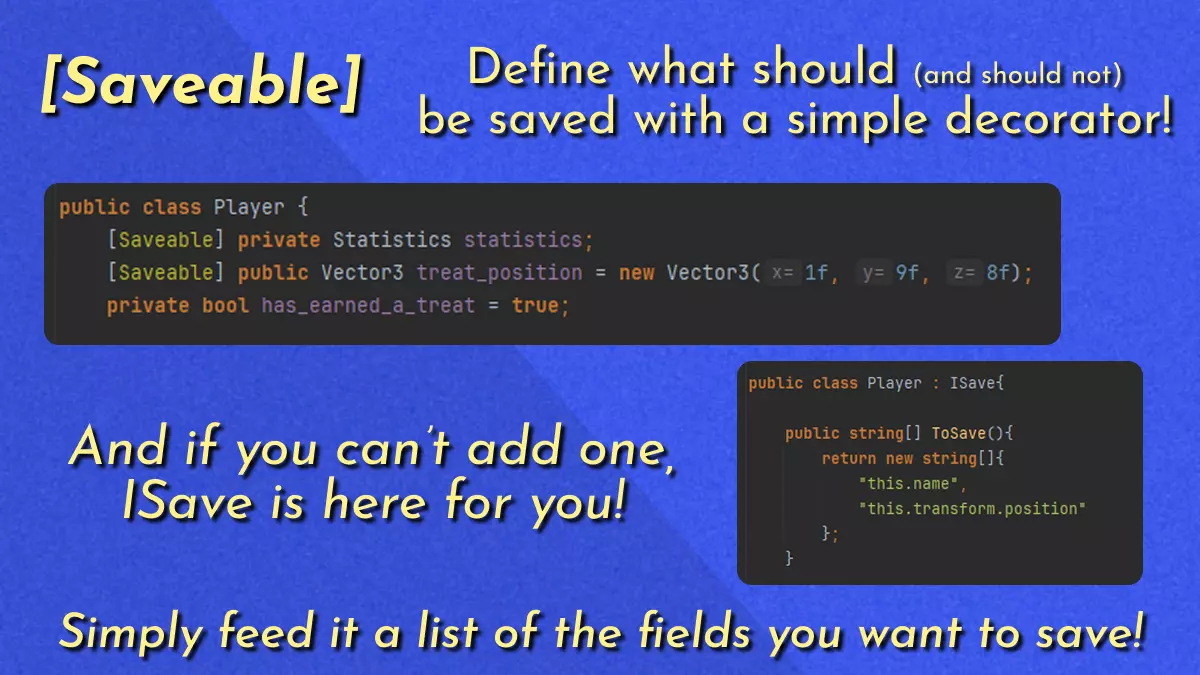
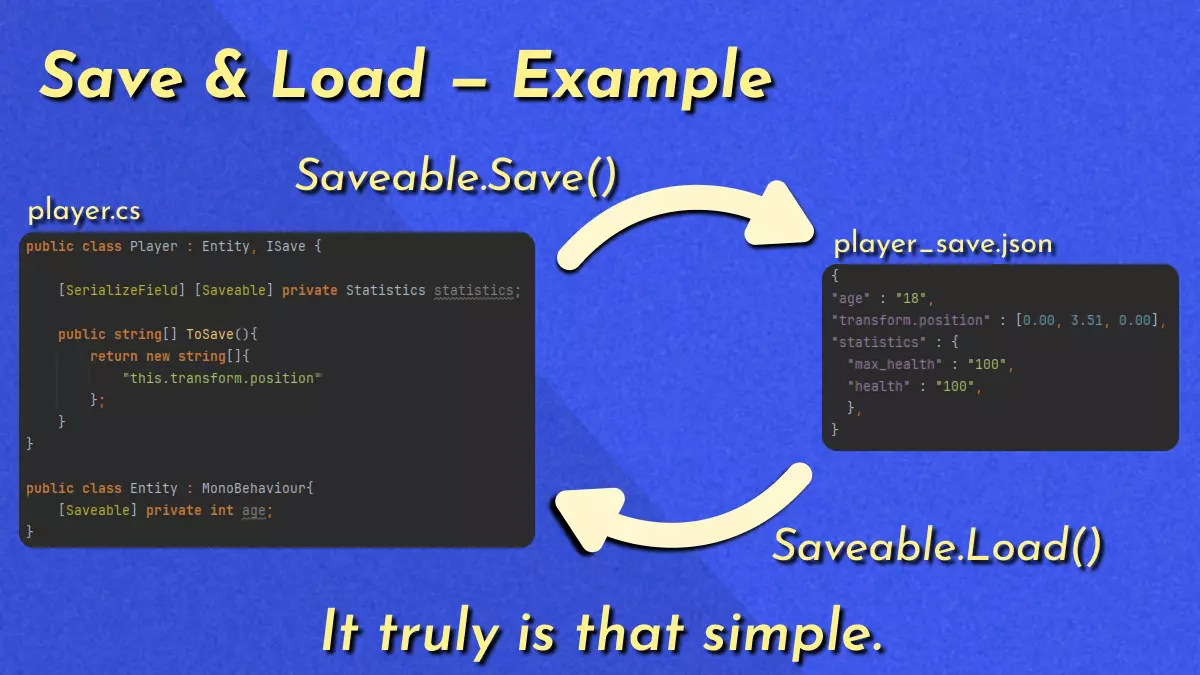
[Saveable] public string foo = "Works with fields";
[Saveable] private MyClass bar = new MyClass("...Even if they use one of your classes!");

public class MyClass{
    [Saveable] private string baz = "But only if you want them saved!";
    private string qux = "(I'm not saved...)";

    public MyClass(string baz){this.baz = baz}
}
Note
Declares whether a field should be saved or not.
public class MyClassWithInaccessibleInheritance : InaccessibleClass, ISave {
    private string foo = "Because sometimes, you just can't edit its parent.";

    public string[] ToSave(){
        return new string[]{
            "this.bar.baz",
            "qux"
        };
    }
}

public class InaccessibleClass{
    private Inner bar;
    public class Inner{
        private string baz = "Needs to be the full path!";
    }
    private string qux = "But you can omit 'this' if you want!";
}
Tip
Add fields to be included in save file.
(Do not use unless you cannot edit the inherited class to include the [Saveable] decorator)
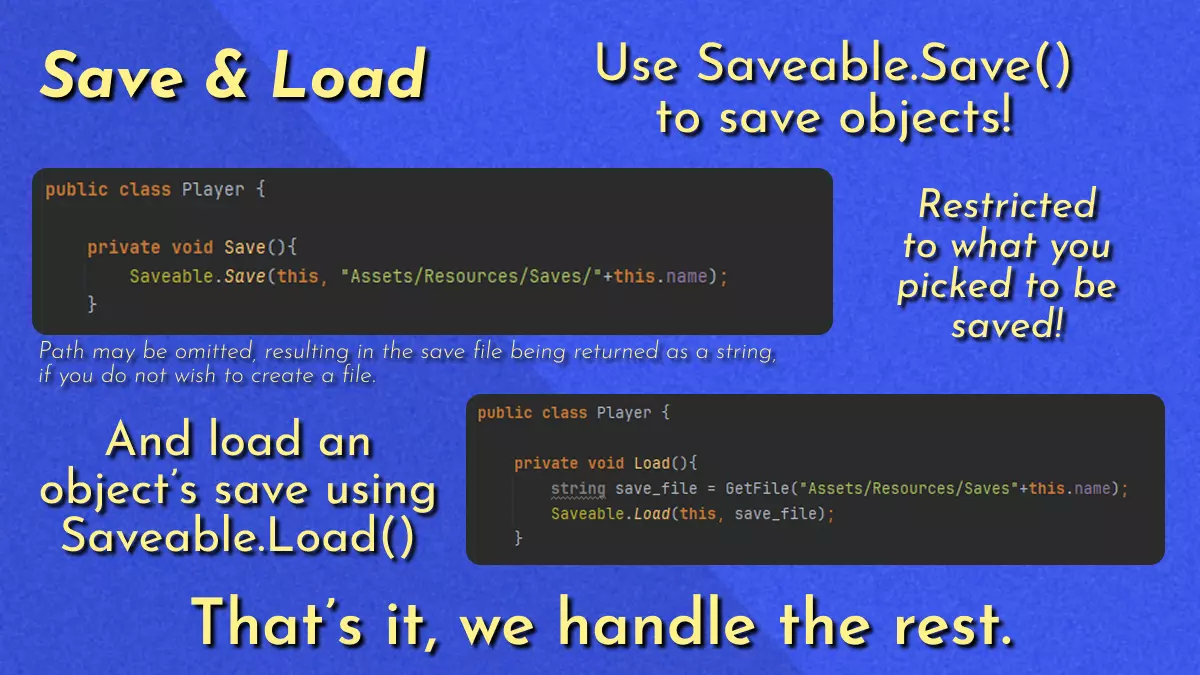
(object)      [object]: Object to be saved.
(string)      [path]: Path to the JSON file to overwrite/create with object's save data.
Note
Saves an object's data to a JSON file.
(object) [object]: Object to be saved.
Note
Saves an object's data and returns it as a string.
(object)      [object]: Object to be overwritten by file's save data.
(string)      [file]: Content of a save file.
Note
Loads a save file's data.
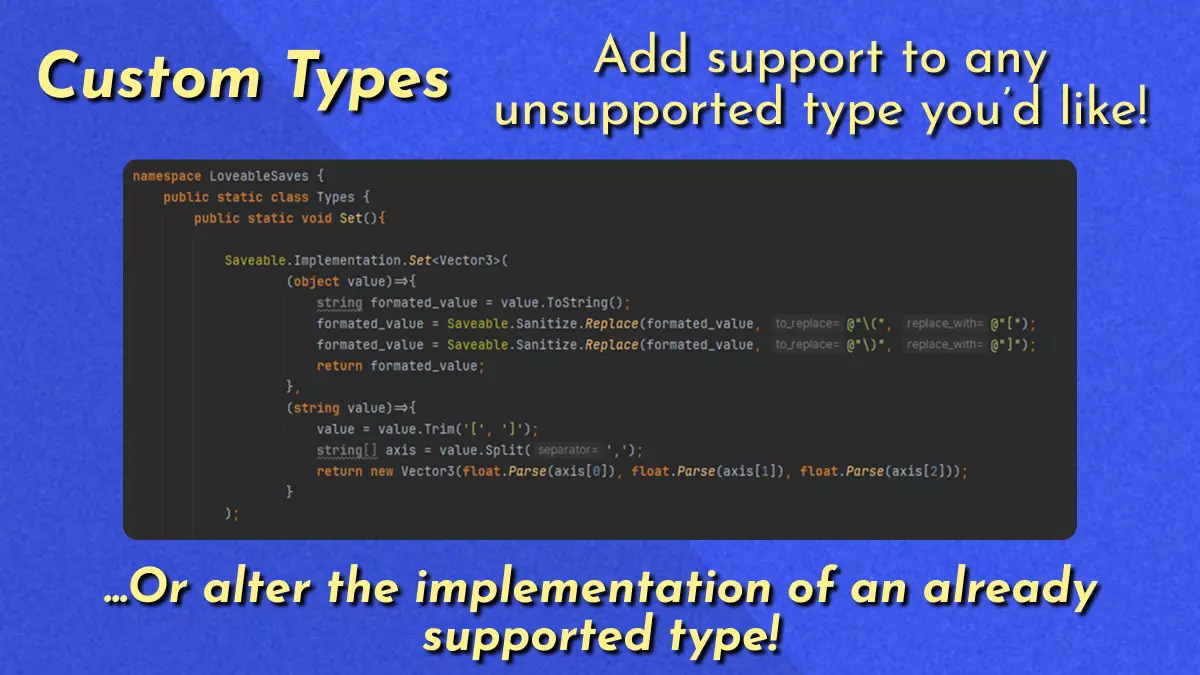
public static class Types {
    public static void Set(){

        Saveable.Implementation.Set<Foo>(
            (object value)=>{
                return value.ToString();
            },
            (string value)=>{
              return Foo.ConvenientDeserializationMethod(value);
            }
        );

        Saveable.Implementation.Set<Bar>(..., ...);
        Saveable.Implementation.Set<Baz>(..., ...);
        Saveable.Implementation.Set<Qux>(..., ...);

    }
}
Tip
Populates the type implementation data set, it is greatly recommended to isolate all (Saveable.Implementation)-related methods under this.
(Func<object, string>)   [serialization]: Function defining how to serialize an [object] of TYPE, and return its result as a [string].
(Func<string, object>)   [deserialization]: Function defining how to deserialize a [string], and return its result as an [instance of TYPE].
Note
Sets an implementation for a given type, by defining how to serialize/deserialize it.
(This can be used with supported types to alter their implementation, or to add support for unsupported types like Unity's Vector2.)