
Screenshots and images for DigiNode Tools: release notes, release announcements (Telegram and Bluesky), the website and the sponsor pages.
They live here, not in the diginode-tools repo, because every DigiNode downloads that repo when it installs or updates DigiNode Tools - images there would be downloaded to every user's DigiNode for no reason.
screenshots/<feature>/- screenshots of a feature, e.g.screenshots/auto-updates/menu.png. Folders are named by feature (not release number) so the links never change.website/share/- social share cards (1200x630) for the pages of diginode.tools, set as each page's Facebook/X image. Drawn bywebsite/source/share-cards/build.pyfromcards.json(text),art/(pictures) andassets/(images and logos - Simple Icons, CC0) - edit those and run it again, don't edit the PNGs.website/headers/- the pictures at the top of diginode.tools pages (transparent, 1000x333 drawn at 3x), shown over the page's titlebar background. Drawn bywebsite/source/headers/build.pyfromwebsite/source/headers/<page>.html(it reuses the share cards'assets/).build.py --previewalso draws each one on the titlebar background with the page title (inwebsite/headers/preview/, not committed); it needs a copy of the website'sblockchain.jpginwebsite/source/headers/(not committed).sponsor/- images for sponsoring DigiNode Tools:sponsor-banner.png(leads people to diginode.tools/sponsors; used in the diginode-sponsors README) andkofi-banner.png(the Ko-fi cover, 1500x500 at 2x).dgb-donation-qr.pnganddgb-donation-card.pngare for the original DGB donation address only - each donation now goes to a new address, so the current QR code and card are drawn automatically in diginode-sponsors. Don't use these two anywhere new. How they were drawn:sponsor/source/dgb-donation-qr.md.website/- images for the diginode.tools website, e.g.website/tronbyt-header.png. Sources and how to draw them again:website/source/README.md.tools/render-screenshot.py- renders a terminal screen recorded on a DigiNode as a clean PNG.
Images are added to a release note in docs/release_notes.md (diginode-tools repo) with an image line under the note,
using the raw URL. The text in square brackets is the alt text (a description for people who can't see the image):
- New: DigiNode Setup can now install operating system updates for you automatically...
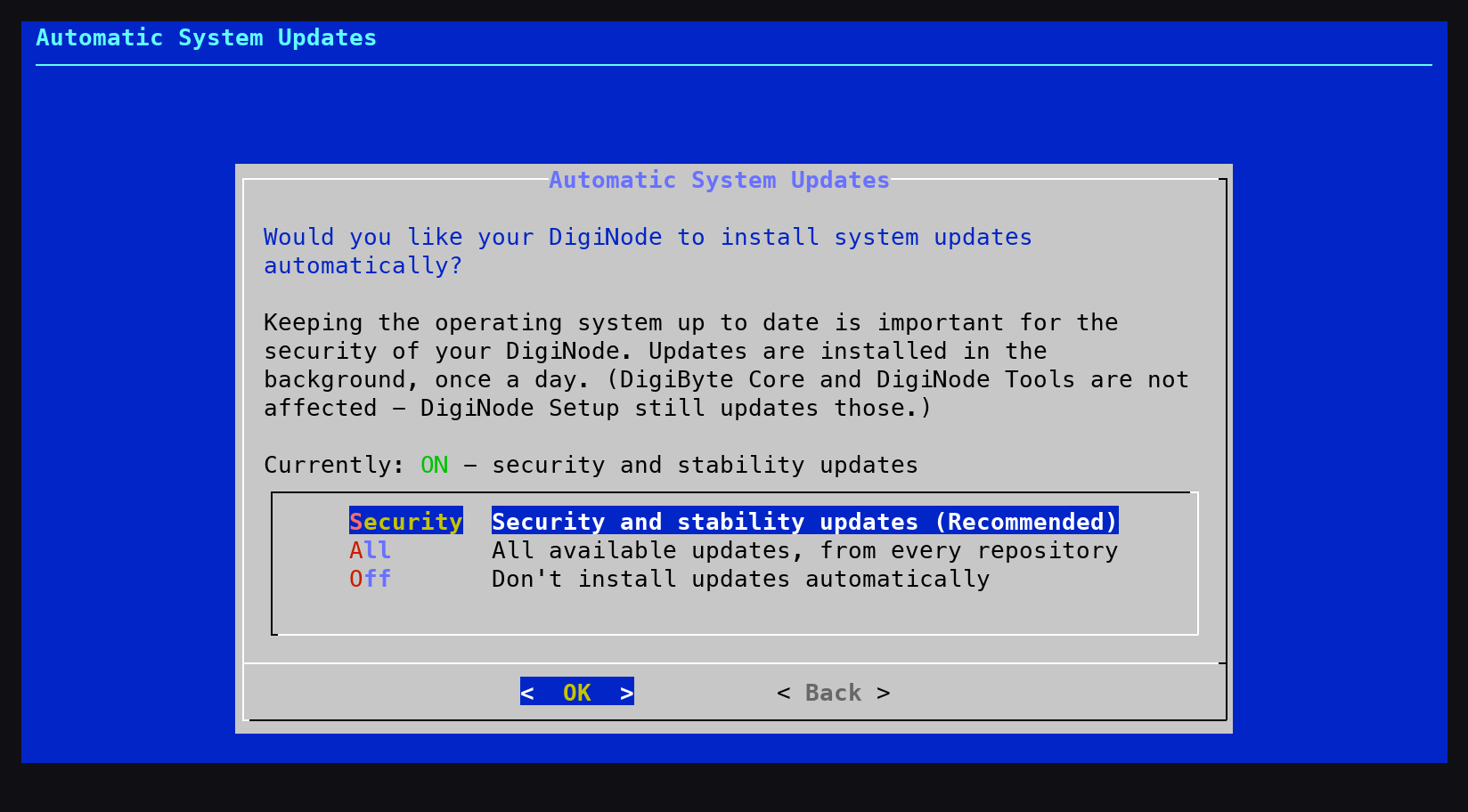
The image then appears under that note in the GitHub release, on that note's post in the Bluesky thread, and in a photo album after the Telegram announcement. Usually at most one image per note, and only for things you can see.
- On the DigiNode, set a tidy terminal size and record the screen:
stty cols 100 rows 30 script -q -f -c "diginode-setup" ~/cap.txt - Go to the screen you want, then (while it is showing) copy the recording to your Mac:
scp diginode:cap.txt . - Render it (the last screen in the recording is drawn):
python3 tools/render-screenshot.py cap.txt 100 30 screenshot.png
The logo and screenshots can be used to link to or write about DigiNode Tools without asking - see LICENCE.md and the name and logo policy. The DigiNode Tools logo includes the DigiByte logo (MIT, DigiByte-Core/digibyte-logos).