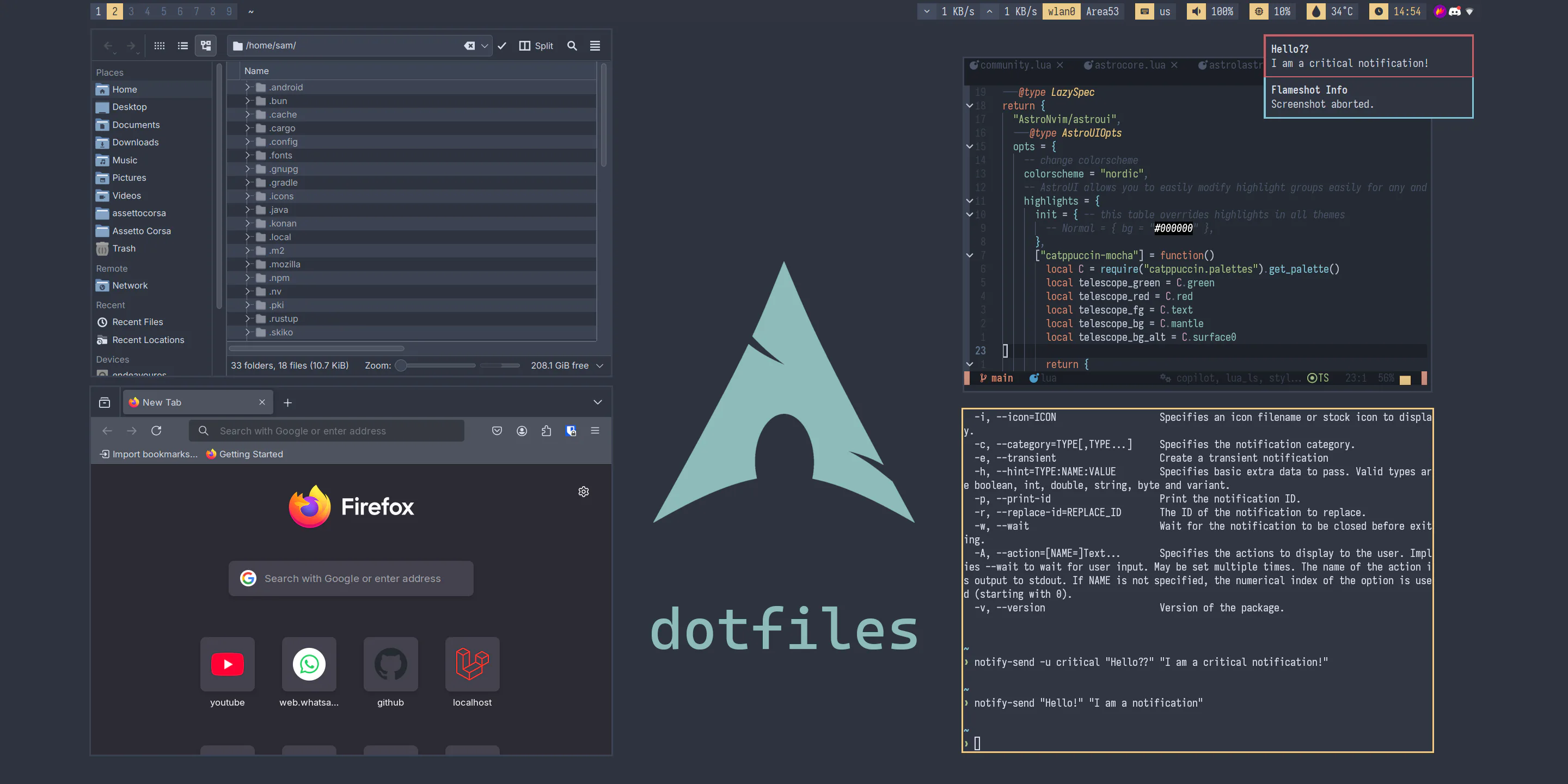
My Linux xorg dotfiles/configs. dotfiles-xorg is now merged with dotfiles-wayland!
This configuration is quite minimal as I prefer to do most of my stuff through apps, not the desktop experience.
It is highly recommended to use these dotfiles on top of a KDE installation, it makes life much easier. Take a look at the .config folder to see what packages you need to install - since my config is pretty simple, they should be straightforward to check.
This config uses HJKL instead of arrow keys for navigation, and is tested on a 4K display. Some values are in the CONFIGURABLES.md file if you want to use this config in a lower resolution.
This config uses the Nord theme, though Catppuccin Mocha values are available in CONFIGURABLES.md
I've decided to break parity between my X11 and Wayland config looks now.
This is mainly due to my decision to switch to Noctalia Shell on Hyprland which allows me to ditch many utilities on Wayland including nm-applet, dunst, hyprpaper, hypridle, rofi and waybar.
In the future, I may write a Quickshell bar for X11 that matches the look of the Wayland bar, as well as implementing a working notification system and app launcher.
Screenshot also isn't up-to-date, I'll update it later :P
- X11 - bspwm
- X11 - leftwm. I haven't used this in quite a while so the config might need revisions
- Wayland - Hyprland
I've simplified my dotfiles to remove stuff I don't need and I moved resolution or theme-specific settings to CONFIGURABLES.md instead. You can directly clone my dotfiles to your home folder now, and for theme or resolution-specific adjustments, check that markdown file.
Add your own ptt-on.wav and ptt-off.wav to your home folder.
Add a service under /etc/systemd/system.
[Unit]
Description=Disable faulty ACPI interrupts from GPE6F

[Service]
Type=oneshot
ExecStart=/bin/bash -c "echo mask > /sys/firmware/acpi/interrupts/gpe6F"

[Install]
WantedBy=multi-user.targetNOTE: No longer required on Wayland due to me migrating to the proper display fractional scaling config.
gsettings set org.gnome.desktop.interface text-scaling-factor 1.75Customize DPI through General.GreeterEnvironment in etc/sddm.conf.d/kde_settings.conf. For example:
[General]
HaltCommand=/usr/bin/systemctl poweroff
RebootCommand=/usr/bin/systemctl reboot
GreeterEnvironment=QT_SCREEN_SCALE_FACTORS="1.25",QT_FONT_DPI=120
Open qt6ct, create a new custom color scheme, edit it, then simply hit Reset palette.
A new color scheme with your correct color choices will magically be made... somehow.
You need to Reset profile every time you make changes to your KDE color scheme though, so the values are synced.
Note that this issue doesn't happen in qt5ct, Qt5 color schemes are still applied correctly.
Or you could just install plasma-integration and use QT_QPA_PLATFORMTHEME=kde.
Go to about:config, change widget.use-xdg-desktop-portal.open-uri from 2 to 1.
See [prasanthrangan/hyprdots#1999]
QT_FONT_DPI- useQT_SCREEN_SCALE_FACTORSinstead