

Note on OpenCode v2: OpenCode v2 is now out, but this plugin currently targets OpenCode v1. Changes in v2 prevent the plugin from working properly, so migration from v1 to v2 is on hold until an upstream update resolves them. This note will be removed once v2 is supported.


Run the OpenCode AI coding agent inside Acode Editor
Features • Installation • Requirements • Build • Contributing
OpenCode AI is an Acode plugin that launches OpenCode — an AI coding agent — as a background HTTP server inside Acode's built-in Alpine Linux terminal, then embeds its web UI in a full-page iframe. Instead of running OpenCode on a separate machine, this plugin runs it locally on your device and talks to it over loopback, giving you a fully self-contained AI coding workflow inside Acode.
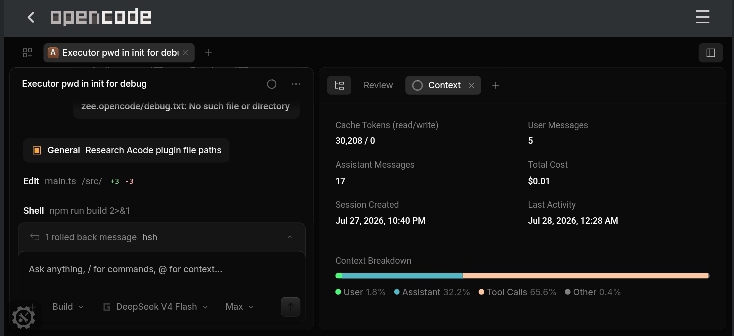
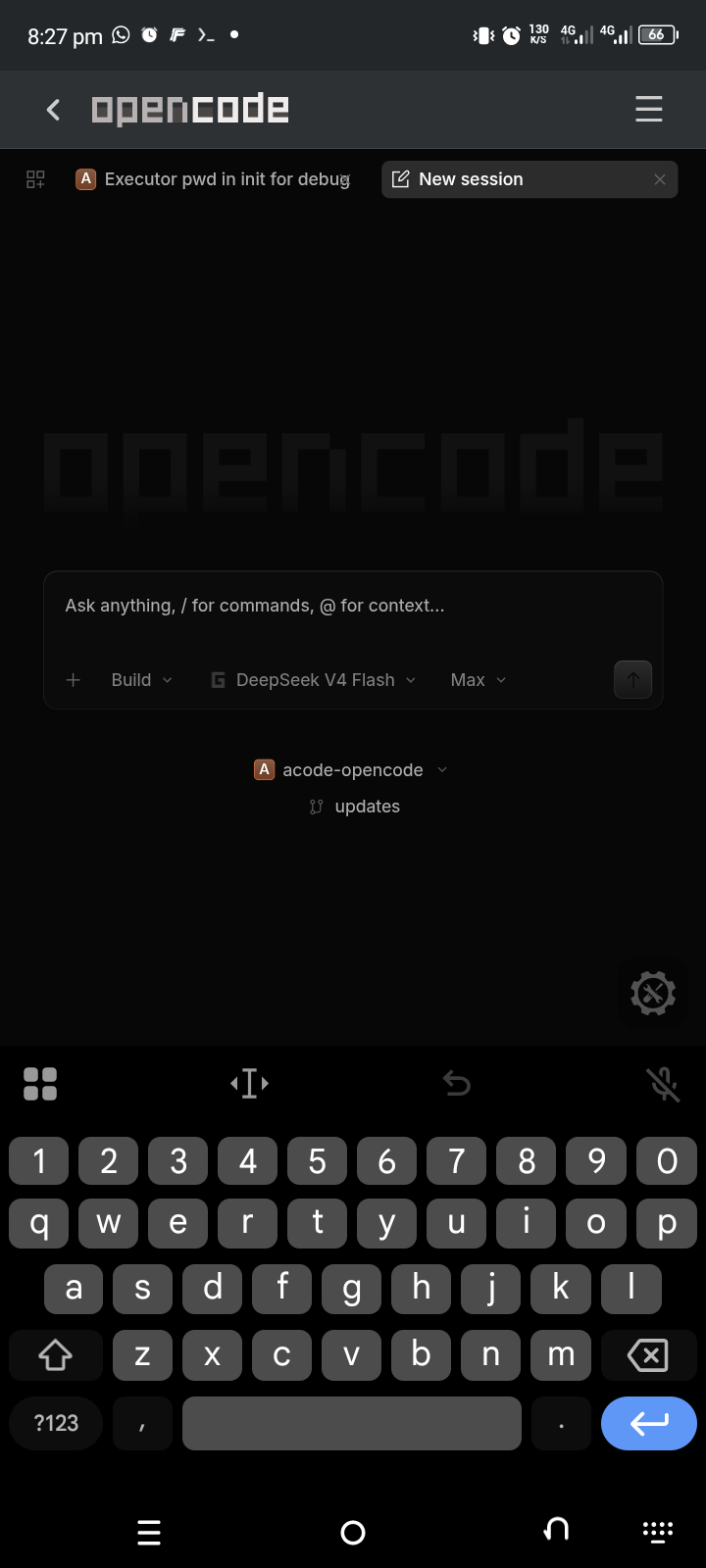
Node.js and npm must be available in Acode's built-in Alpine Linux terminal, and OpenCode is installed automatically on first launch. Acode must be a recent version with Terminal and Executor API support:
apk add --no-cache nodejs npm- Local OpenCode server. Runs OpenCode as a background HTTP server inside Acode's Alpine terminal — no external machine required.
- Automatic install. Detects whether OpenCode is present and installs it on demand (
npm install -g opencode-ai).
- Open Settings
- Select Plugins
- Search for "OpenCode AI"
- Tap Install
- Restart
If the automatic install fails, you can run the installation commands manually in terminal make ur research just incase
The plugin follows a Check → Install → Serve → Render workflow:
| Stage | Responsibility |
|---|---|
| Check | Verify OpenCode is installed and whether the server is already running |
| Install | Install OpenCode via npm install -g opencode-ai if missing |
| Serve | Start opencode serve --port 4096 --hostname 127.0.0.1 in the background |
| Render | Embed the web UI in an iframe and reactively reflect the current state |
src/
  main.ts               # plugin init/destroy, flow orchestration
  types.ts              # AppState enum, StateContext, ErrorInfo
  state.ts              # state machine (transition, onStateChange, reset)
  logger.ts             # leveled logging (createLogger, setLogLevel)
  error.ts              # extractErrorInfo() — normalizes unknown errors
  config/               # named constants, split by domain
  terminal/executor.ts  # thin wrapper over global Executor
  opencode/
    install.ts          # checkInstalled, installOpenCode
    server.ts           # isServerUp, startServer, stopServer, restartServer
    health.ts           # loopback health probe via cordova.plugin.http
  ui/
    index.ts            # render orchestrator, one render func per state
    components/         # DOM factory functions, one file per component
Contributions are welcome! Please feel free to submit a Pull Request and leave a ⭐
This project (the Acode OpenCode integration) is licensed under the MIT License. See the LICENSE file.
- OpenCode — https://github.com/anomalyco/opencode
Licensed under the MIT License.
- Issues: GitHub Issues
- Email: victorelijha@gmail.com
Happy coding ✨