


This extension for VSCode provides editing, syntax highlighting, and IDE support for Nushell, a data-driven document language.
- Syntax highlighting grammar for Nushell scripts (
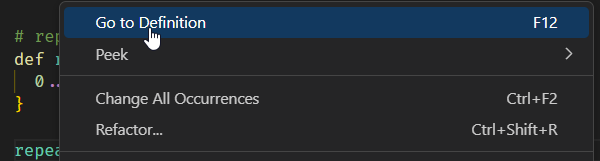
.nufiles) andnushellcodeblocks in Markdown files - Goto definition
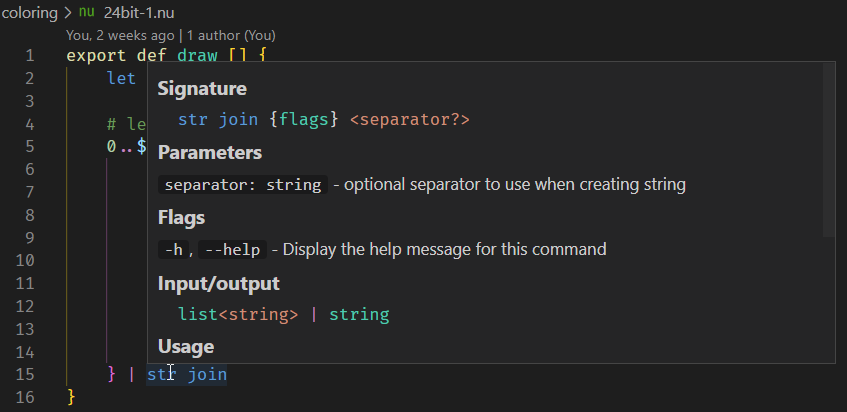
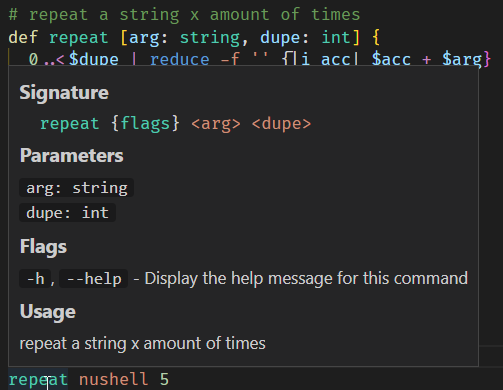
- Hover support
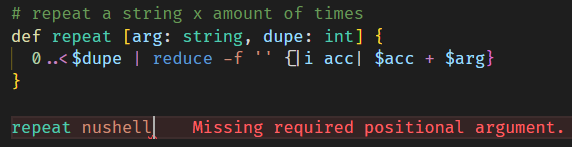
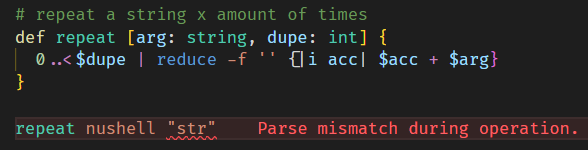
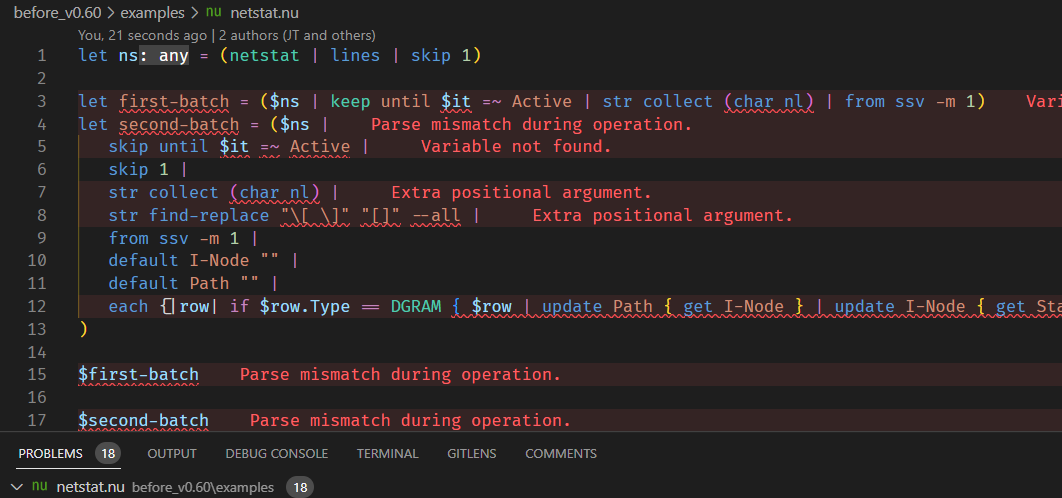
- Validation (errors with red squiggly lines)
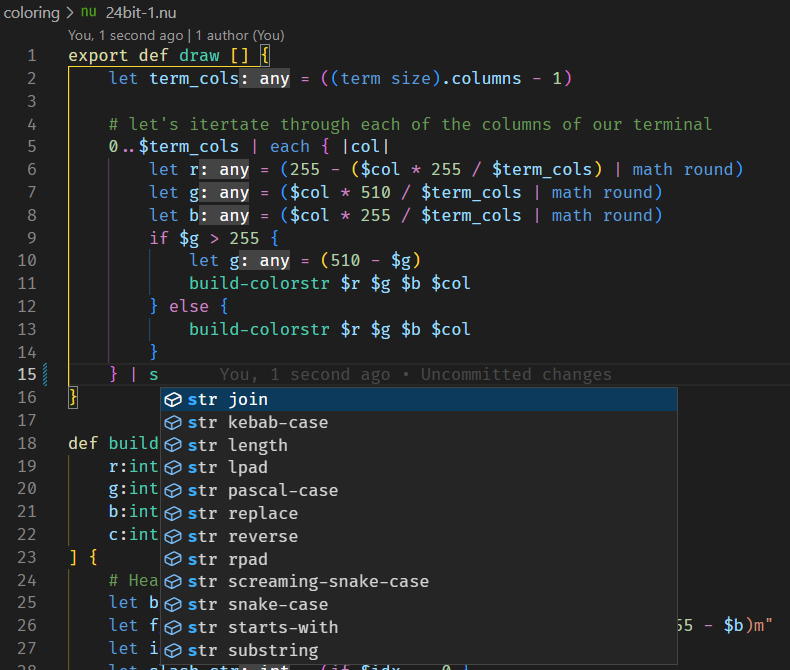
- Auto-complete built-in commands
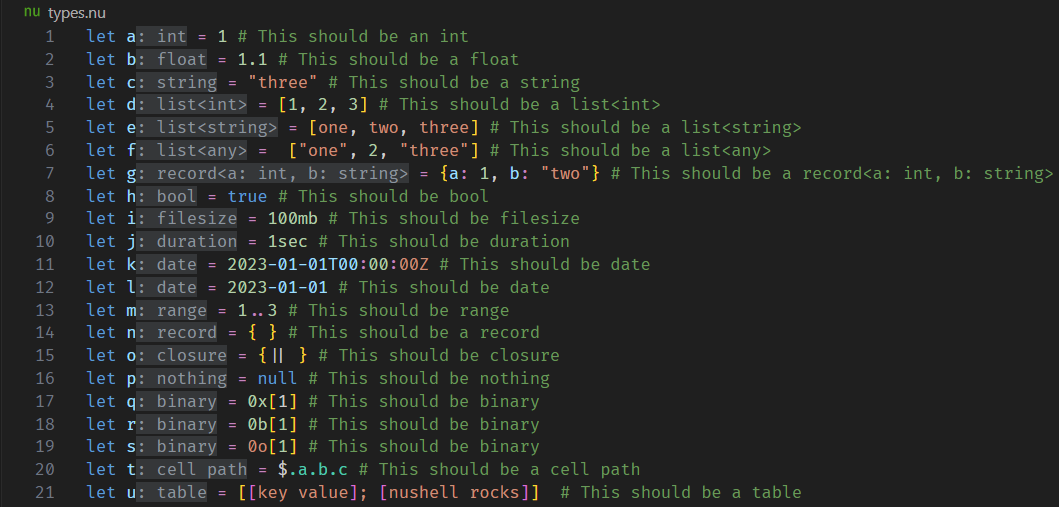
- Inlays / Hints
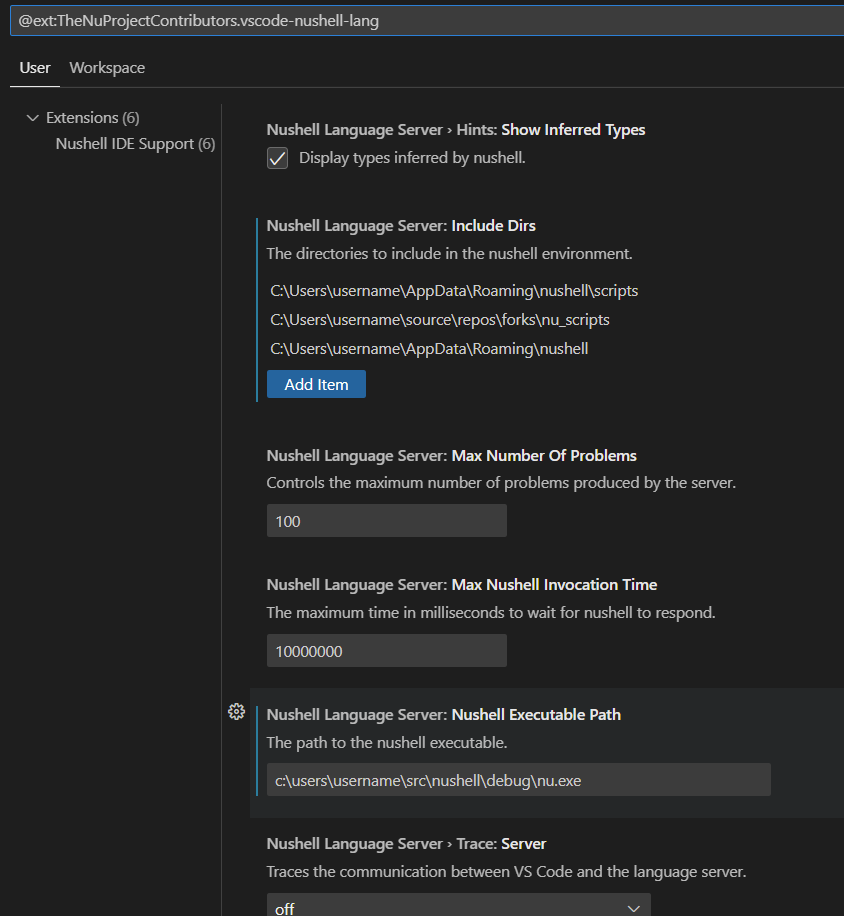
- Configuration via vscode settings
- Step debugging of Nushell scripts (
nu --dap, Nushell 0.116+)
The language server, the Nushell terminal profile and the debugger all use the same nu, looked up in this order:
- the
nushellLanguageServer.nushellExecutablePathsetting (when it is not the defaultnu); nuon yourPATH.
When neither finds nu, the extension points you to the Nushell installation page or the setting. Debugging needs Nushell 0.116.0 or newer.
Press F5 in a .nu file (no launch.json needed), or add a configuration:
{
  "type": "nushell",
  "request": "launch",
  "name": "Debug nu script",
  "program": "${file}",
  "cwd": "${workspaceFolder}",
  "args": [],
  "stopOnEntry": false
}
The debugger is built into Nushell (nu --dap, available from 0.116), so it needs no extra install. It supports:
- breakpoints, conditional breakpoints (
$total > 4000), logpoints (total {$total}) and exception breakpoints ("Runtime errors"); - step over / into / out, through pipeline stages too, and a call stack with command names;
- variables inspected to any depth, an Environment scope, and watch / hover / Debug Console expressions;
def mainreceives the launchargs; scripts withoutmainlet you pick an entry point (entryPoint);input/input listanswered through native VS Code prompts;- Visualize (right-click a variable): tables as sortable, filterable grids, binaries as a hex view, JSON/XML strings formatted;
- Nushell Debug: Show IR: a live view of the compiled IR of the current block;
- time travel: Step Back / Reverse Continue over a recorded timeline (
nushellDebugger.timeTravel,nushellDebugger.timeTravelMaxSteps); - hot restart, optionally whenever you save the debugged script (
nushellDebugger.restartOnSave; auto-saves are ignored).
Known limitations: launch only (no attach), externals get no interactive stdin, input listen is not supported, and variables can't be edited while paused.
The examples/debug/ folder has scripts that exercise each feature.
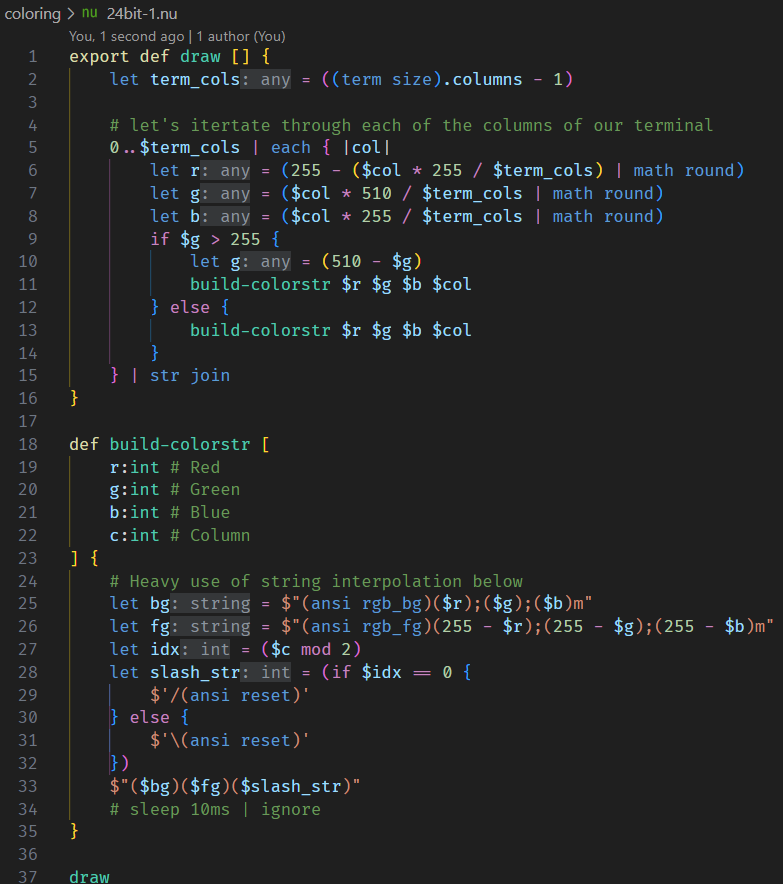
With Dark+ Color Theme
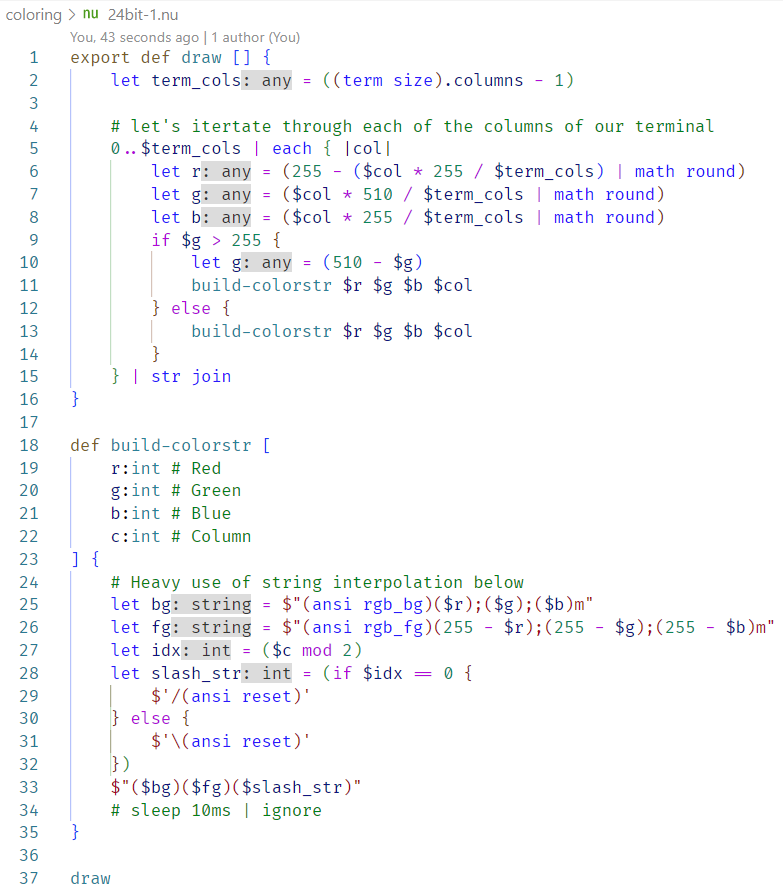
With Light+ Color Theme
Inlays / Hints
Completions support
Hover over built-ins for help
Hover over custom commands for help
Hover over variable

Error & Validation support
Goto Definition support
Extension Settings
See our Github repository for active issues.
We are happily accepting pull requests to make this better. :)